Six popups. Before and after the shopper says yes.
Every YourLio popup runs in two stages: what the visitor sees first, and what replaces it once they act. Here are both, for each type, captured on live storefronts.

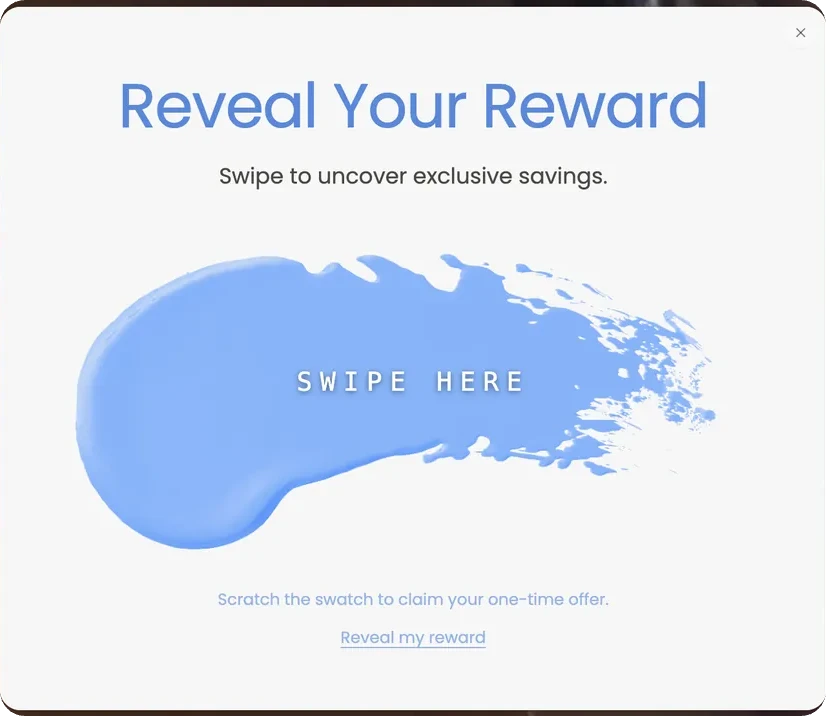
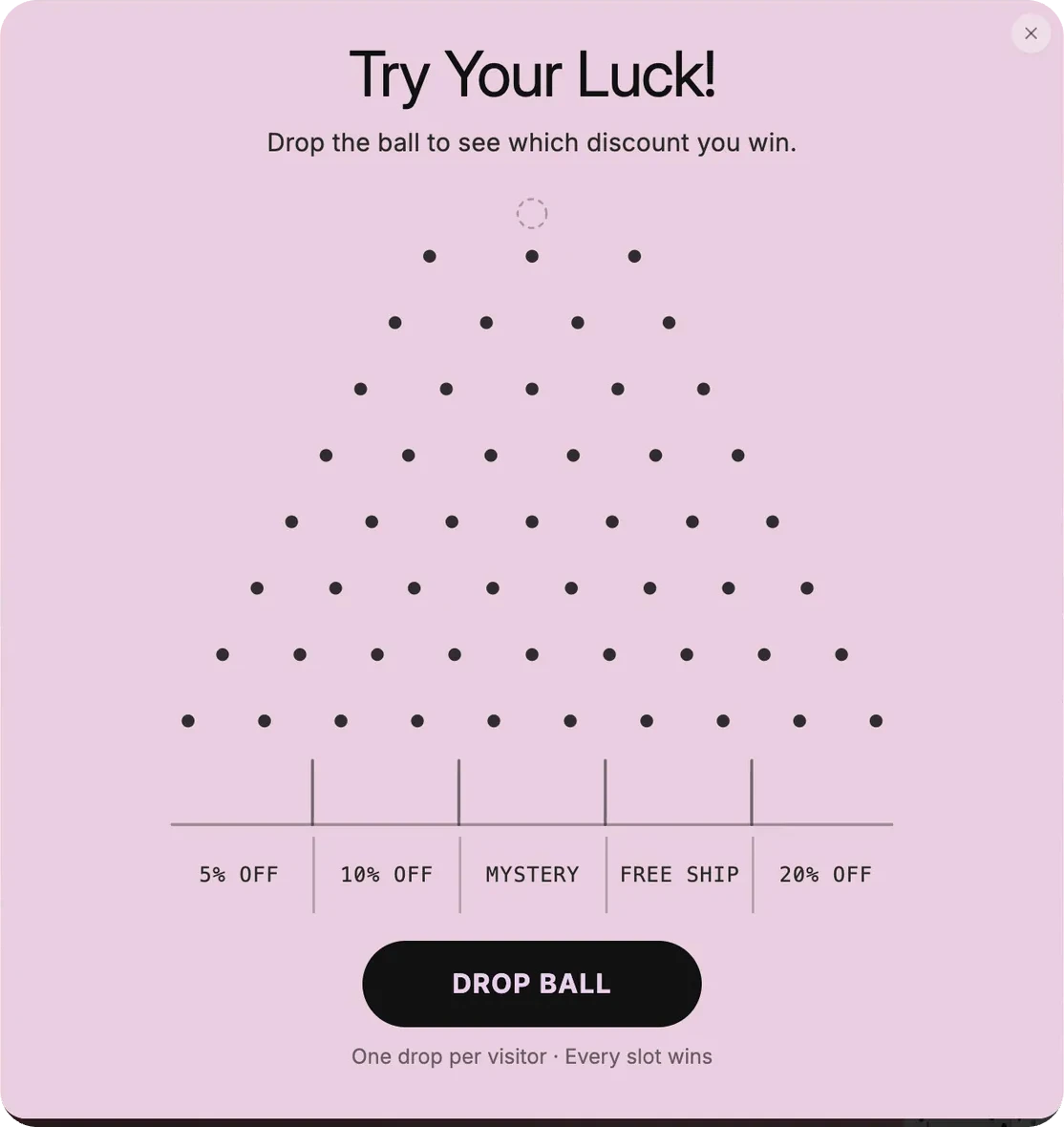
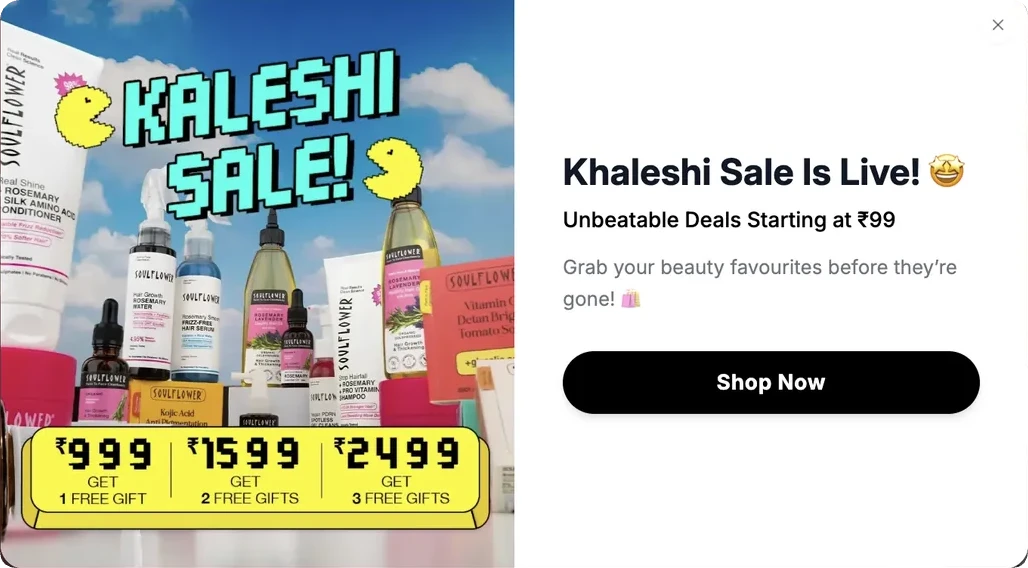
01 · Contact capture
Lead generation
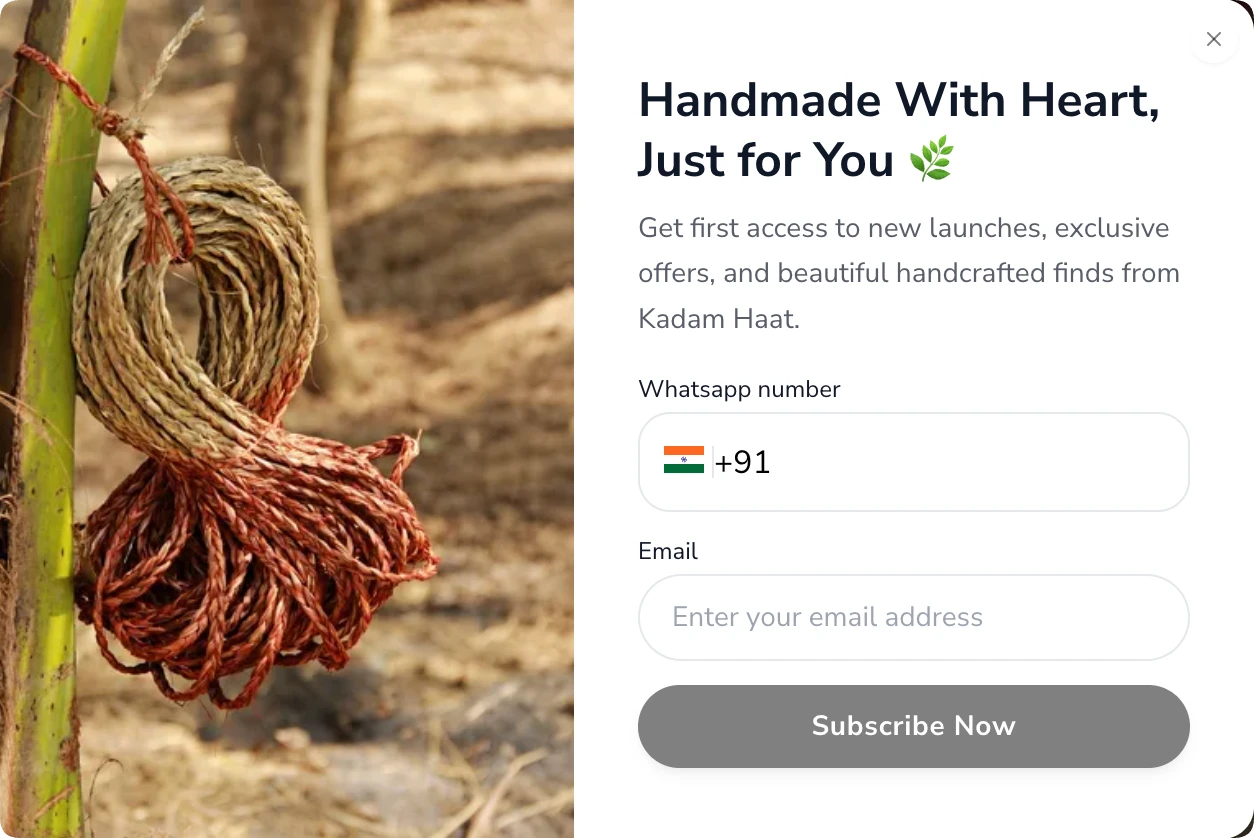
A plain subscribe form. No game and no discount required. The value on offer is early access and a place on the brand’s list.
Goal
Grow the WhatsApp and email list
Captured
Phone number and email
Trigger
First visit, a few seconds after load
Use case
Brands that sell on story and craft rather than markdowns: handmade, artisan, slow-fashion, gifting. Use it when a discount would cheapen the product, or when you mainly need a channel to announce restocks and new drops.
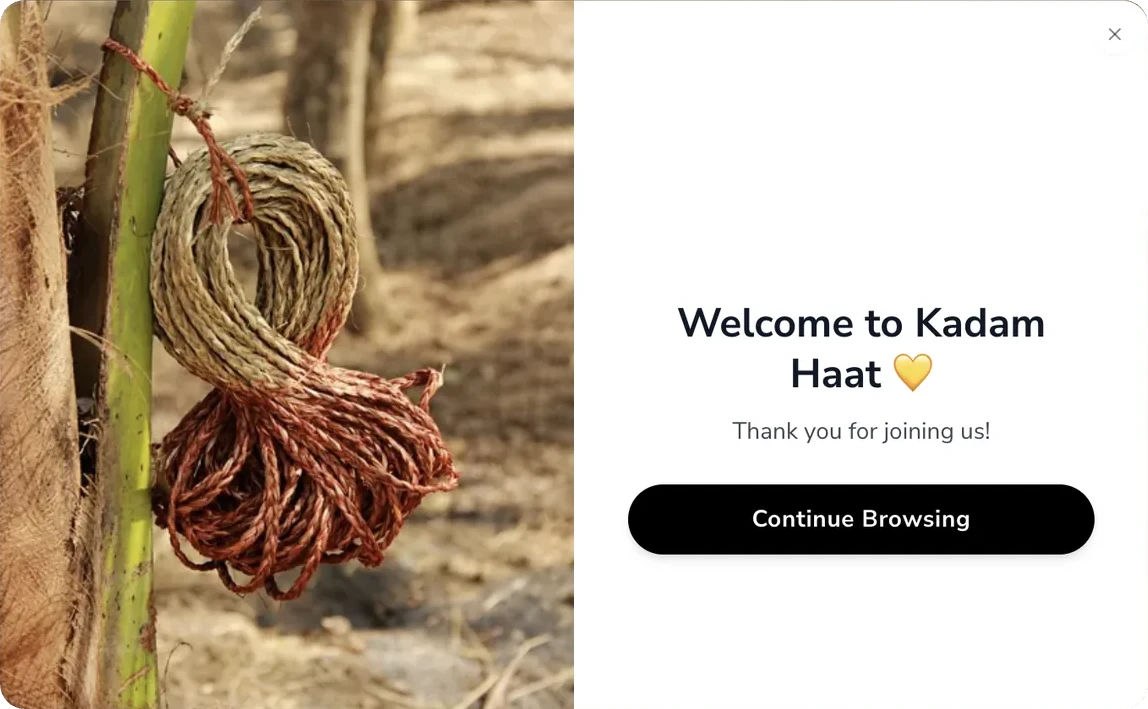
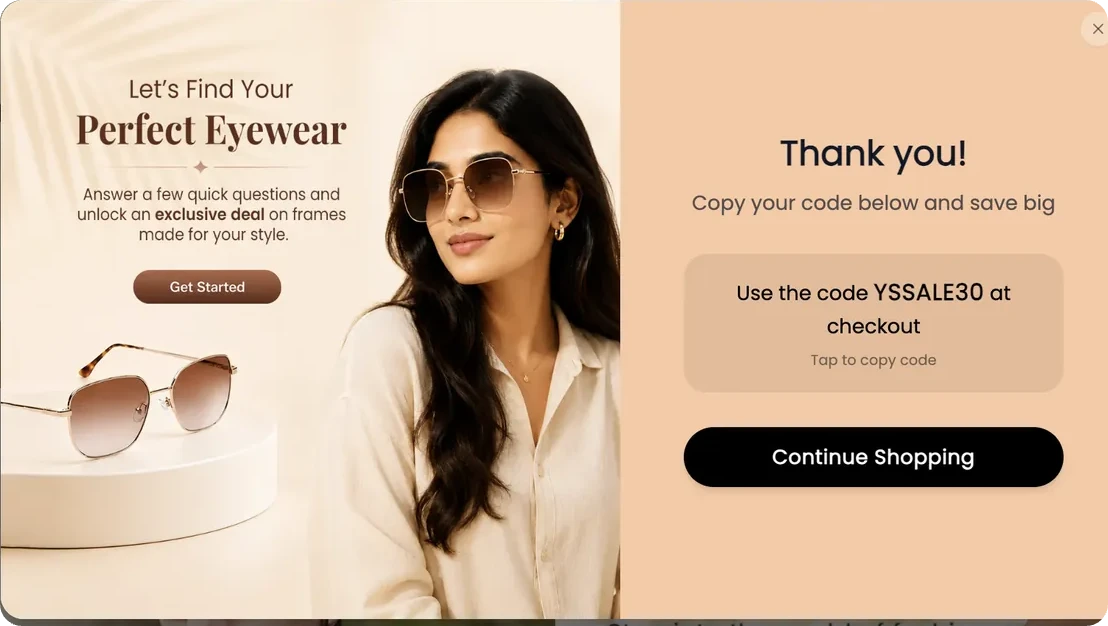
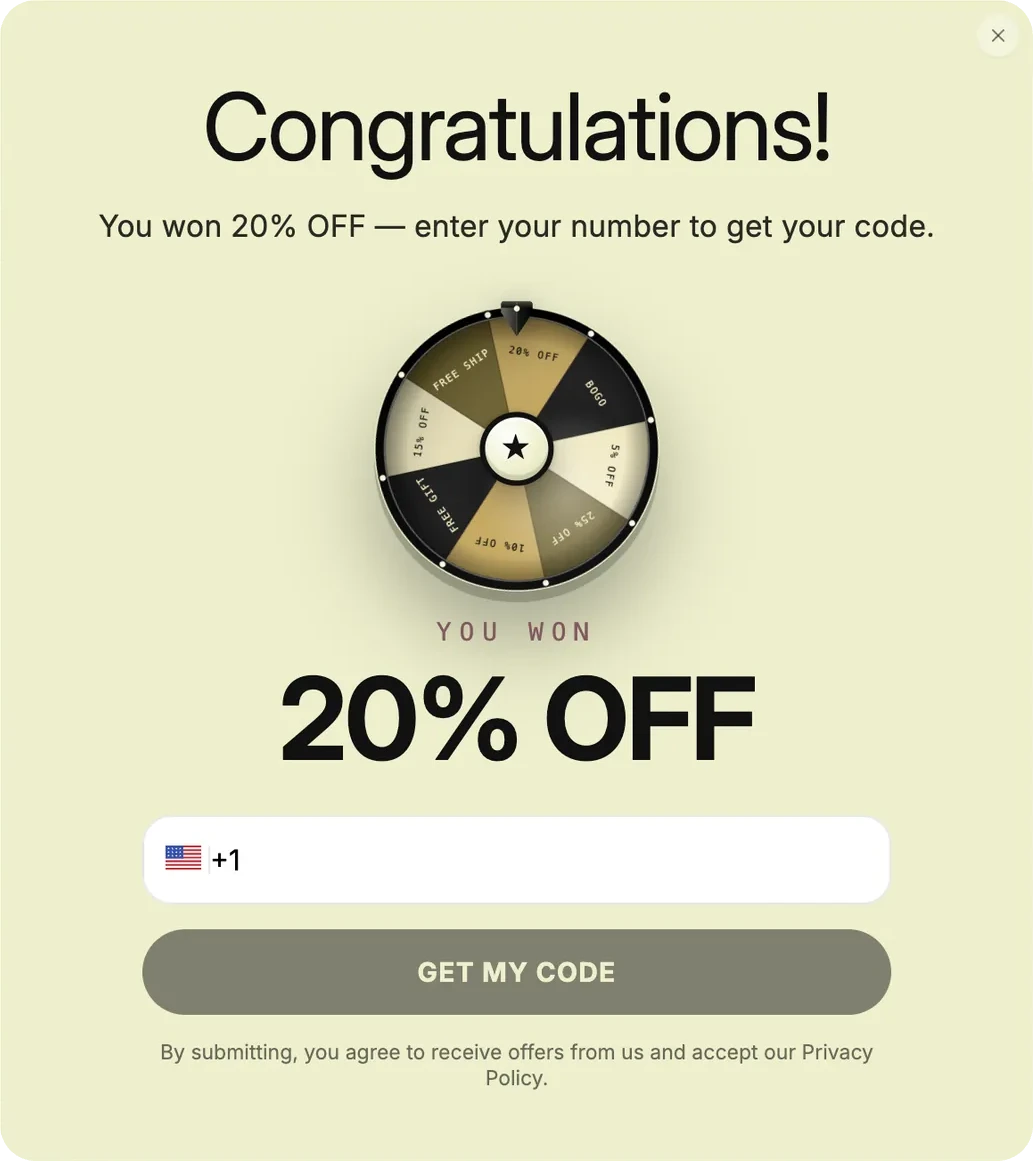
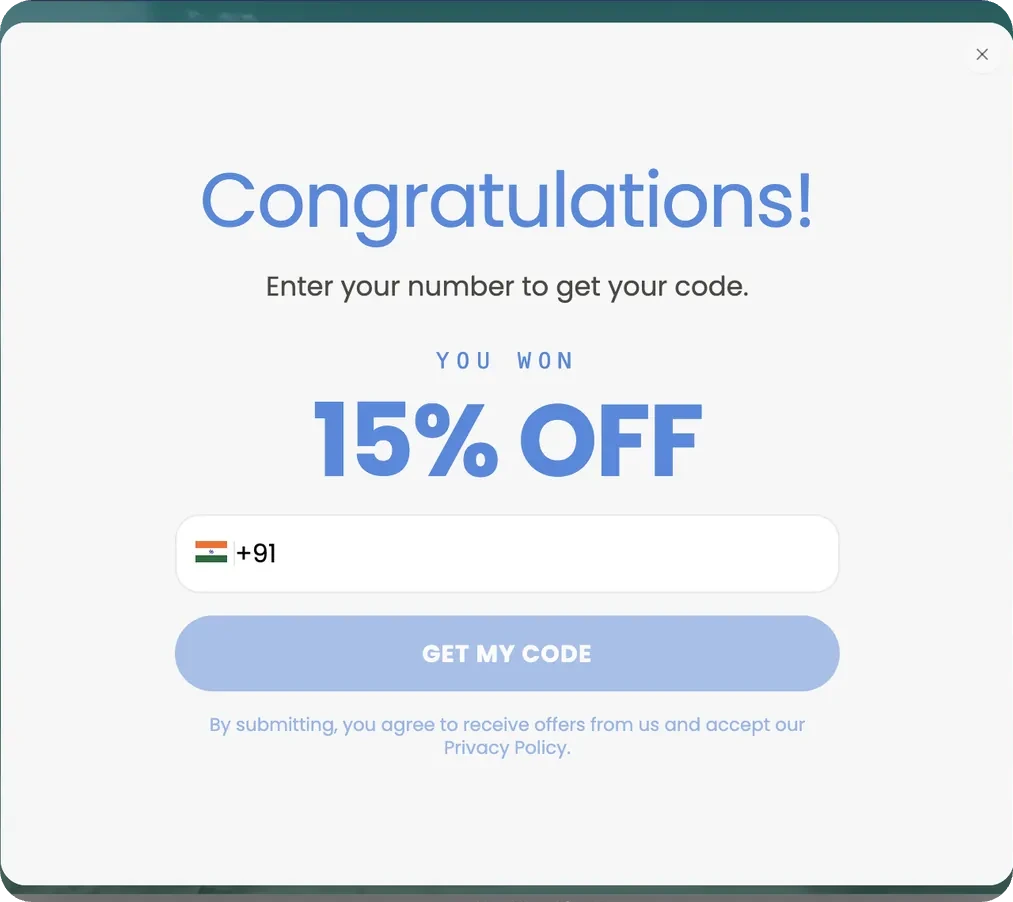
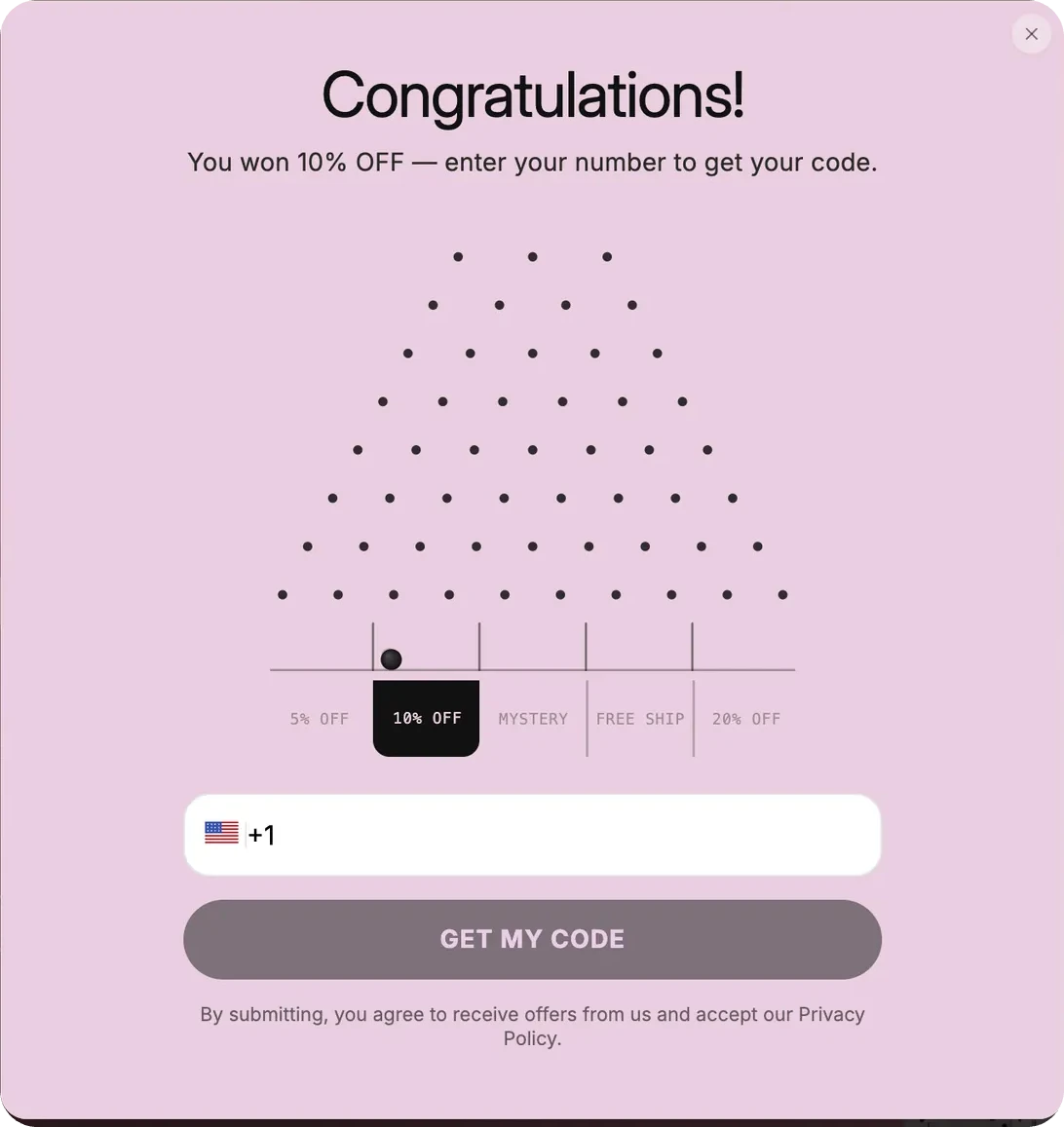
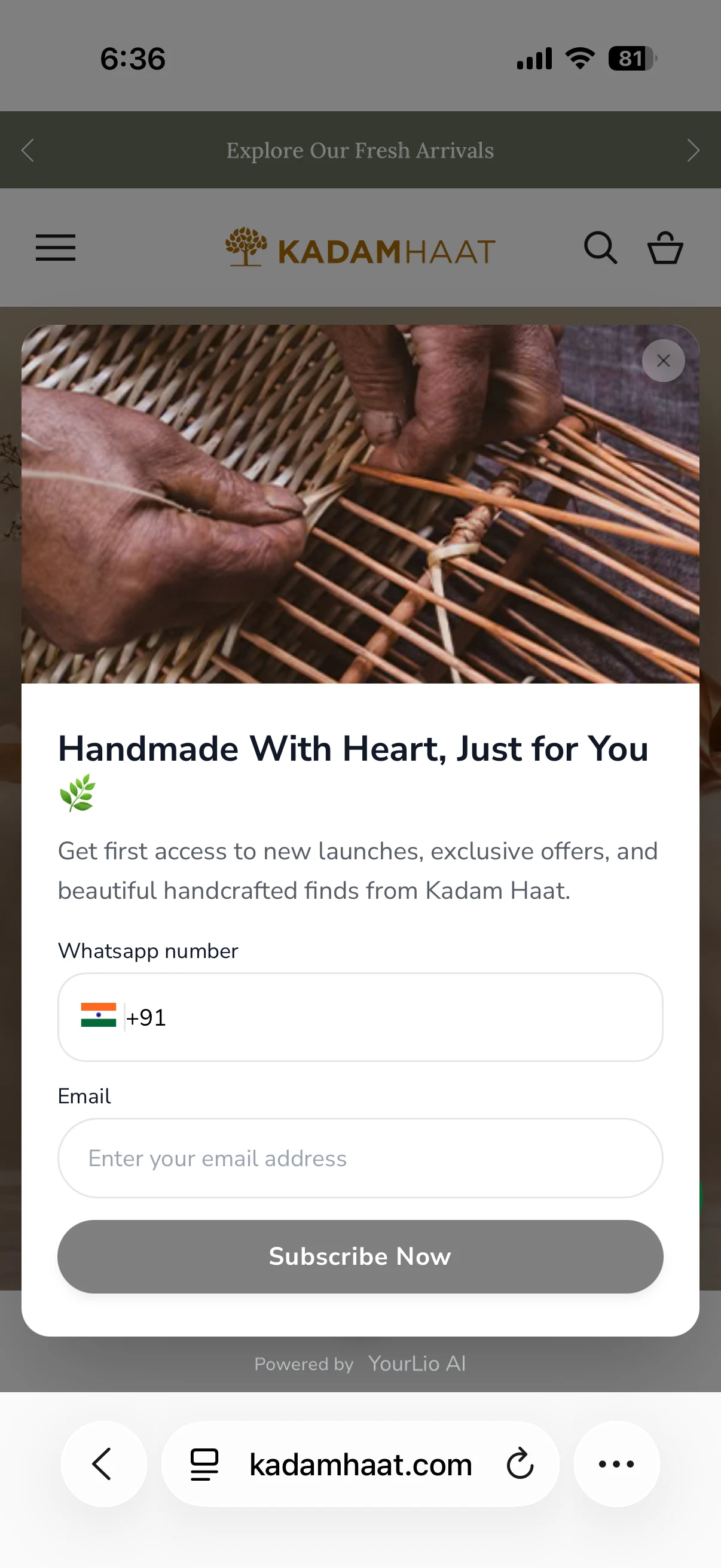
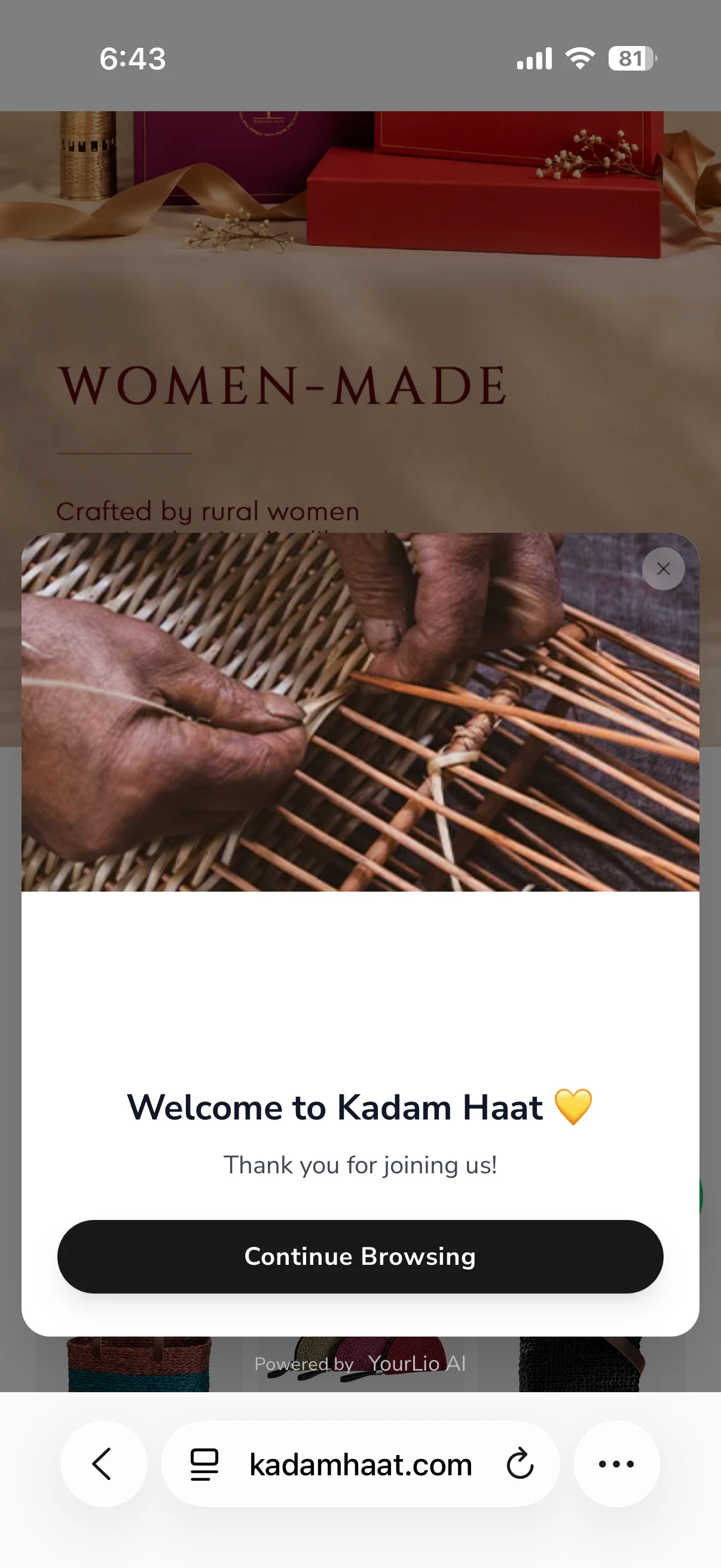
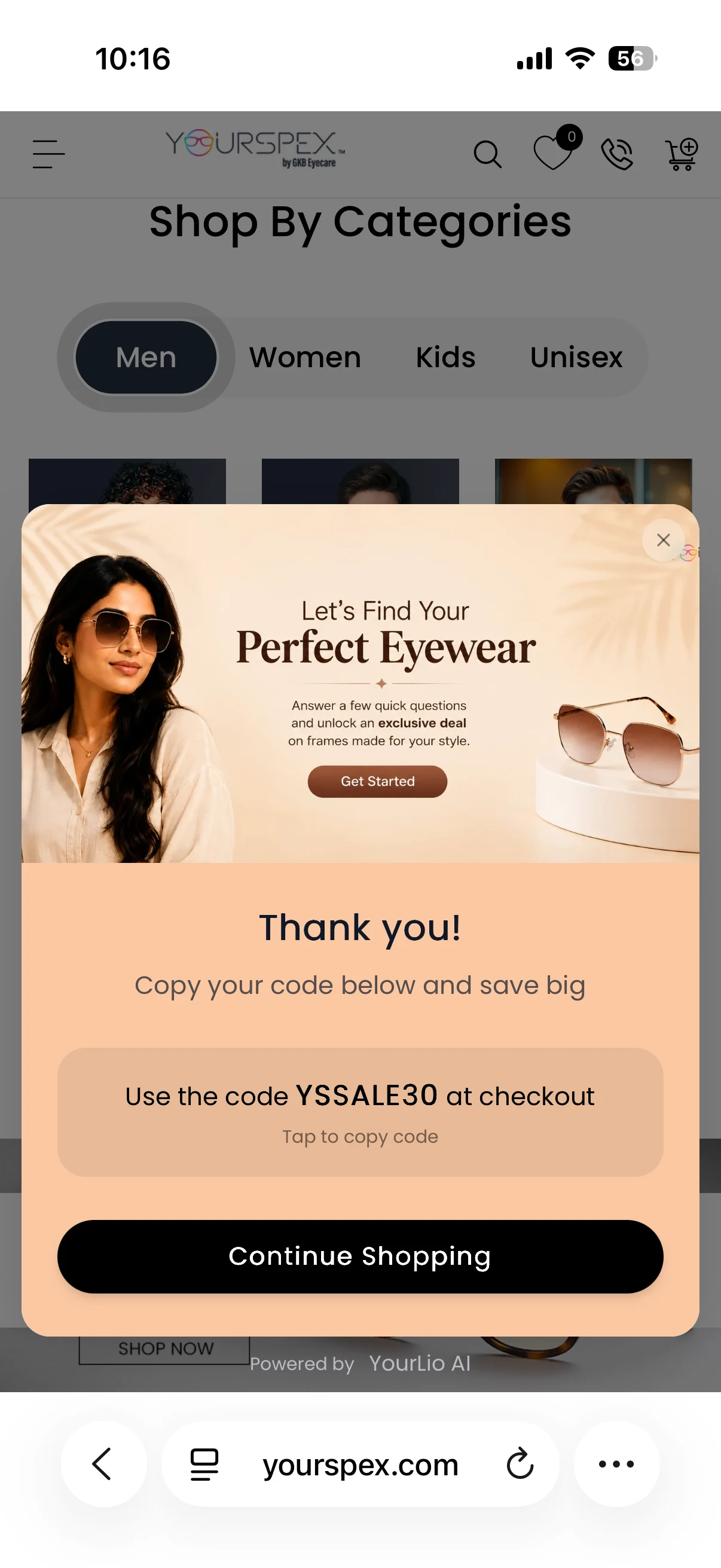
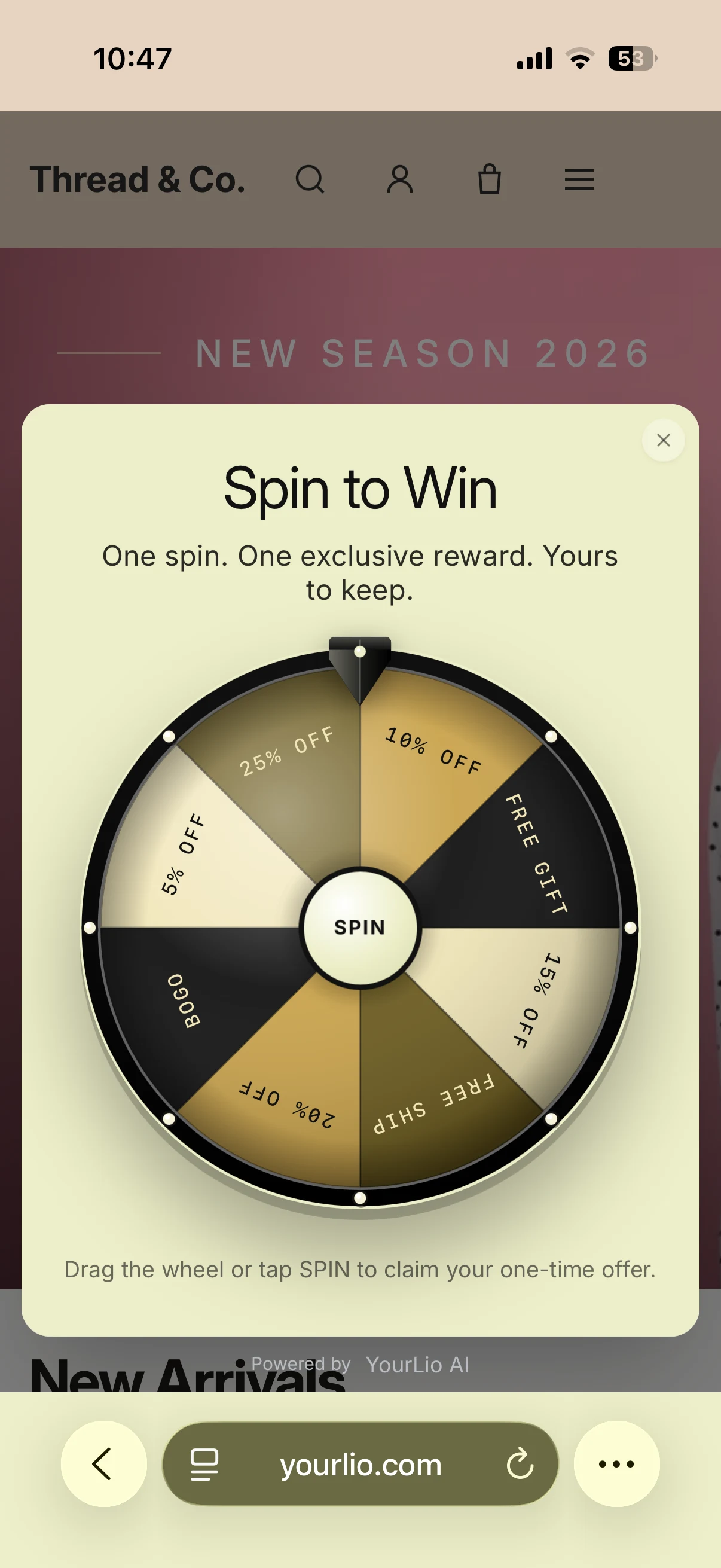
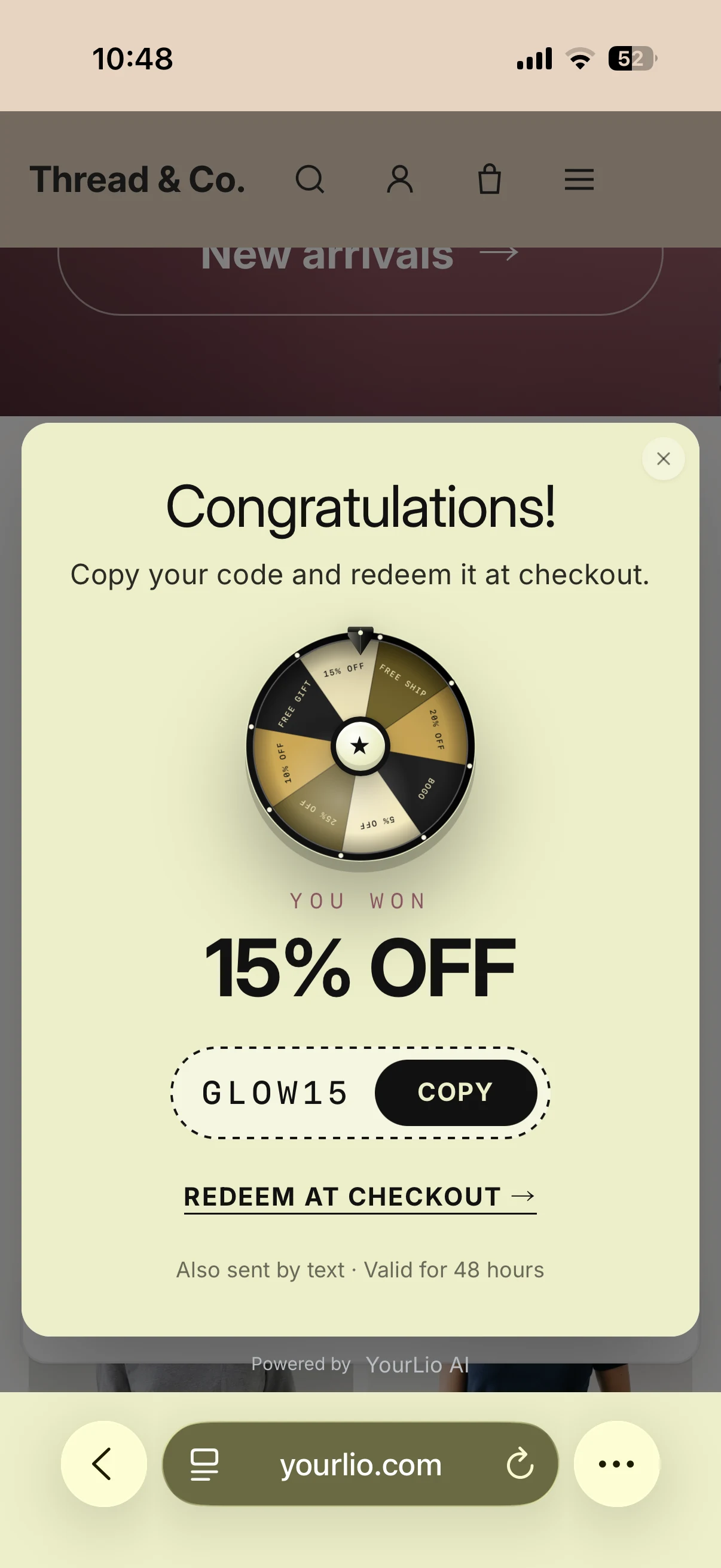
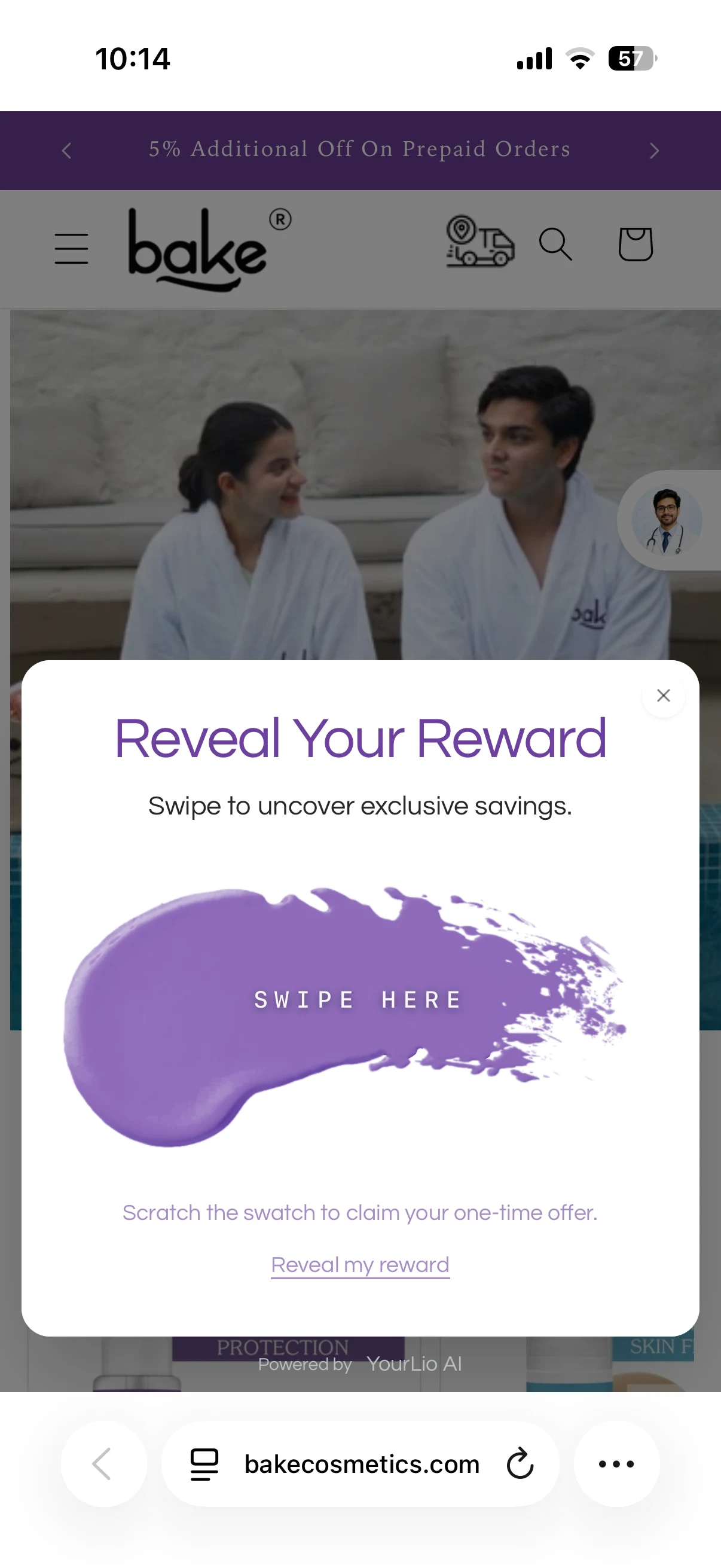
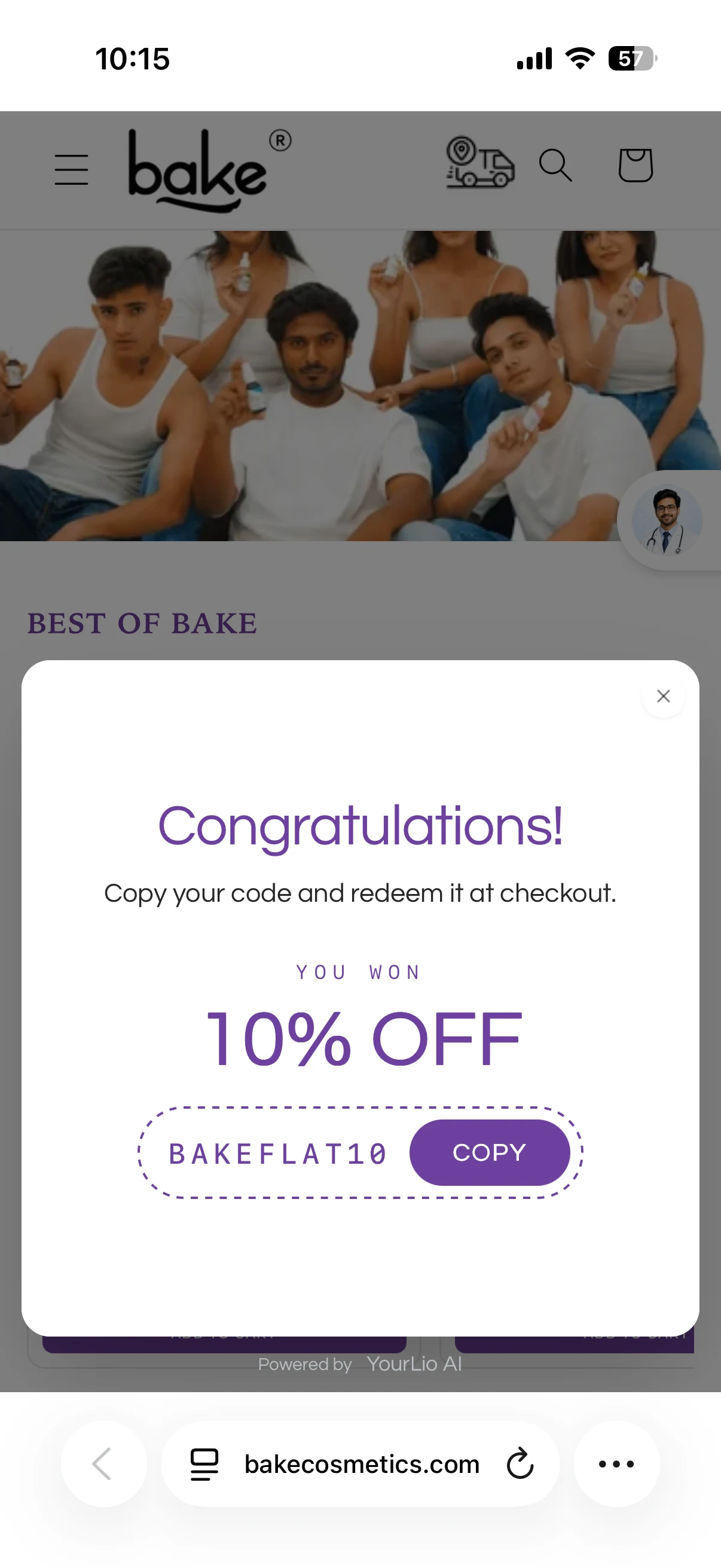
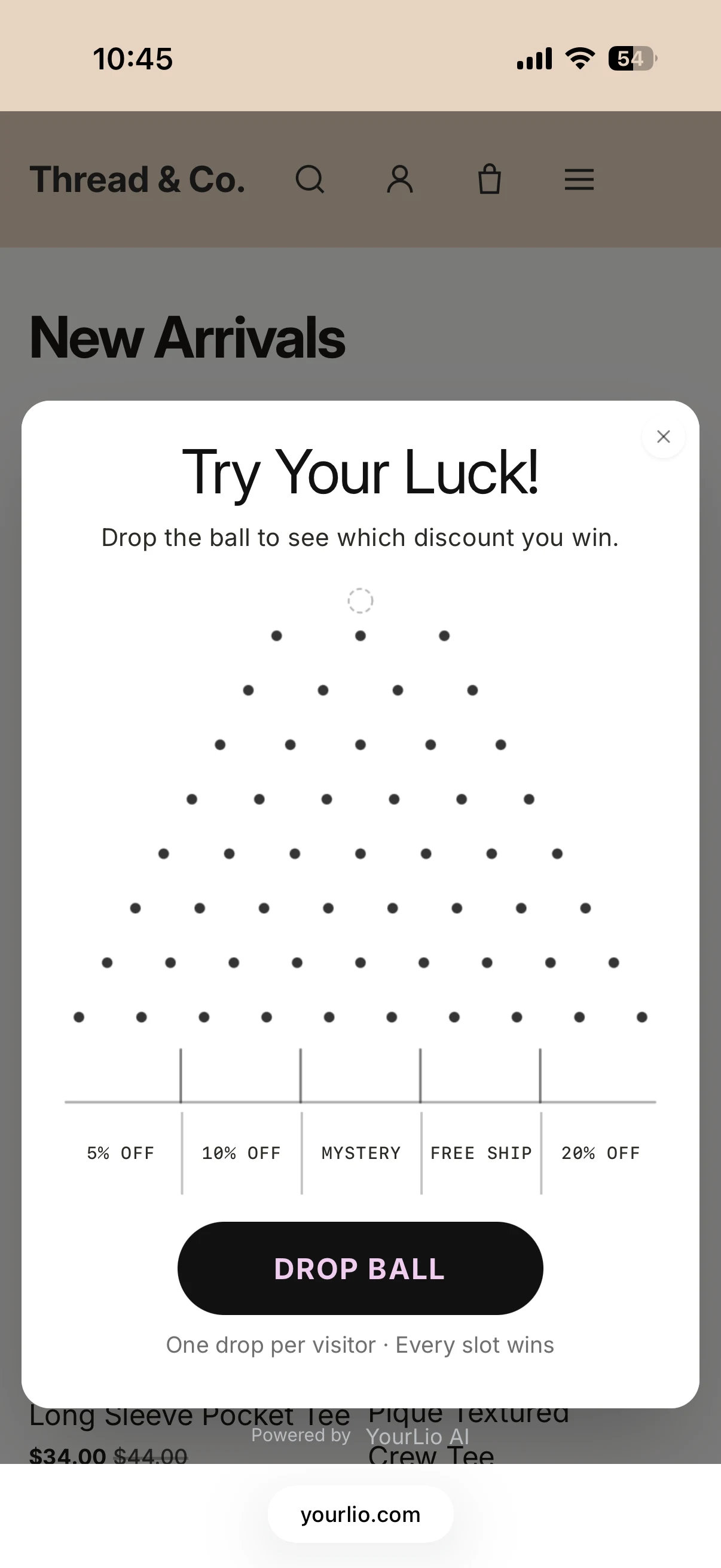
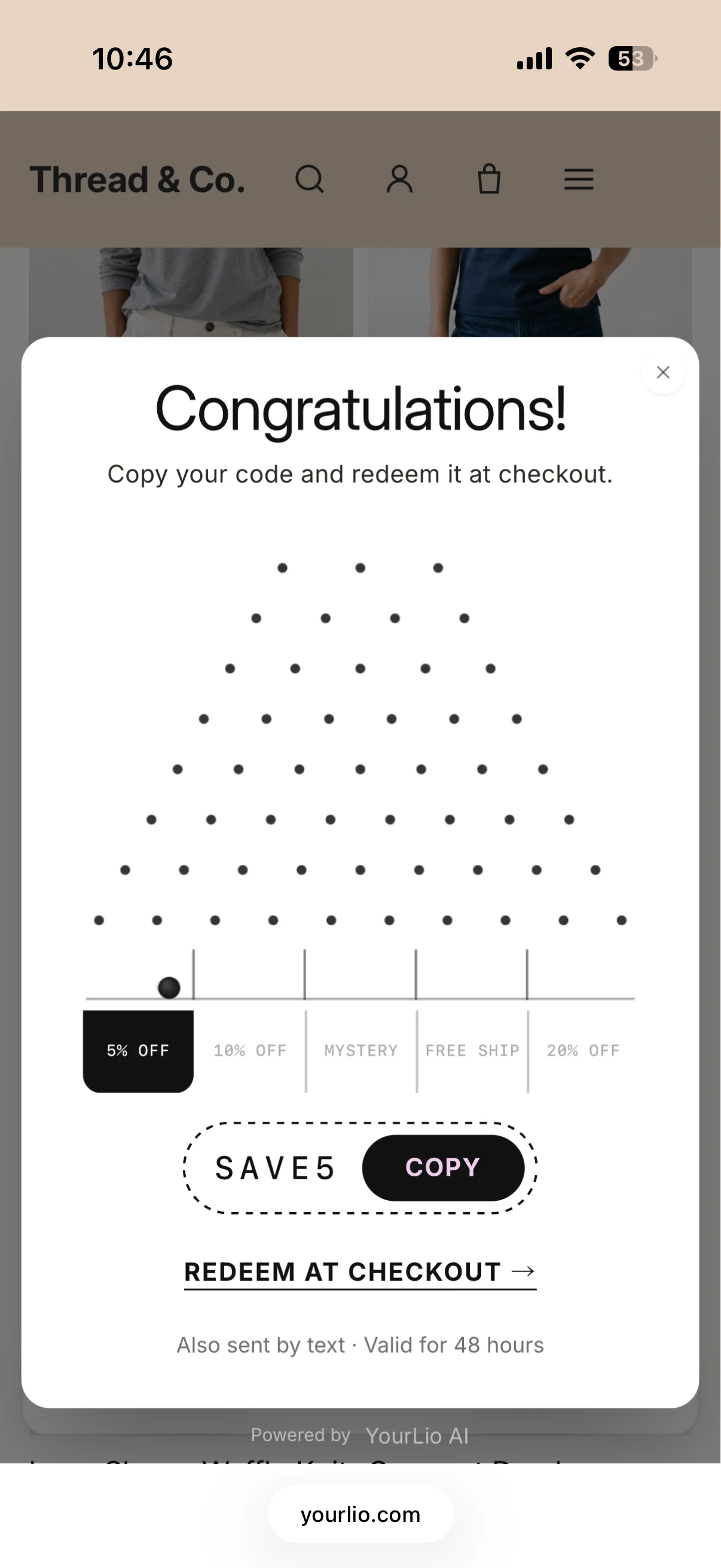
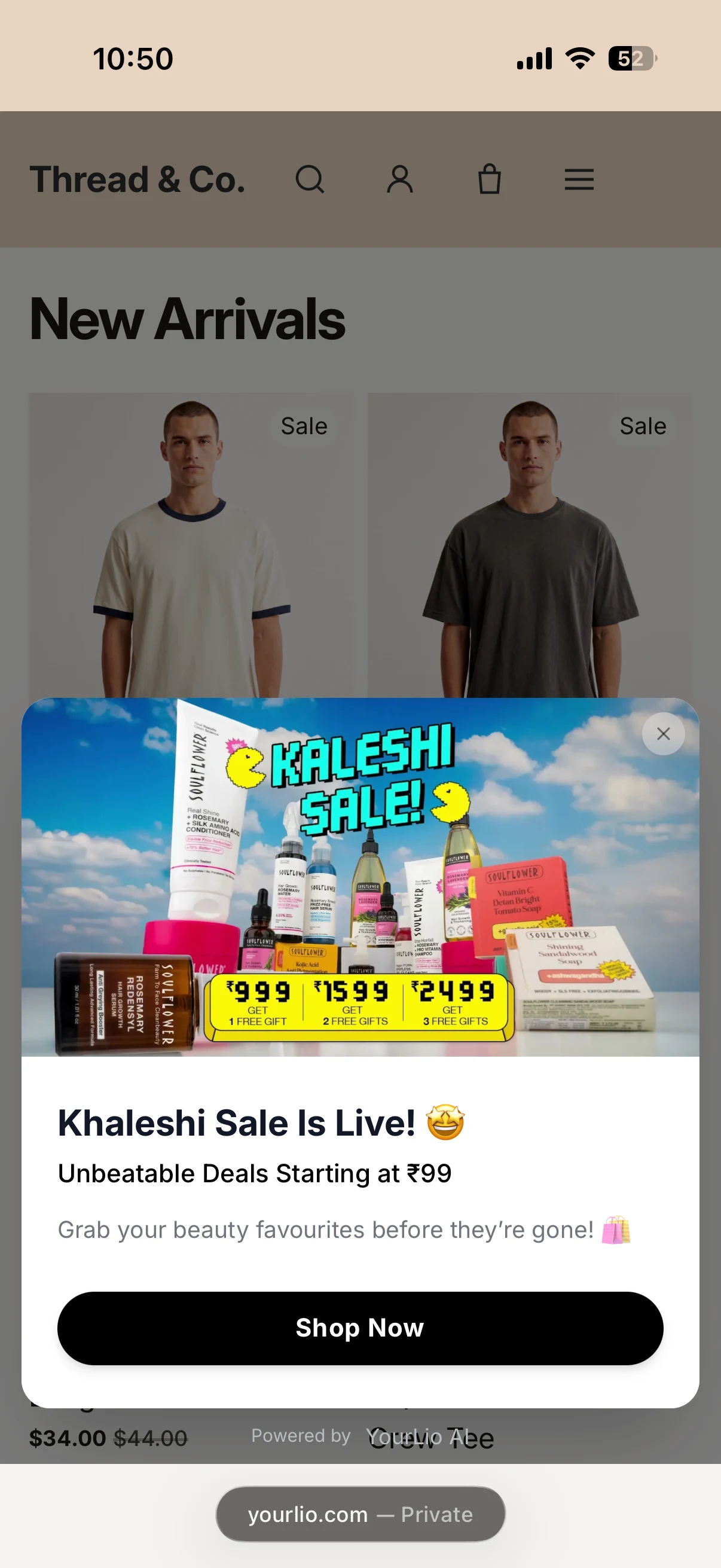
Brand image on the left, a short promise, then two fields and one button. The offer is access, not a discount.
Which one to use
Two questions decide it: do you discount, and how much attention will they spend?
| Type | Stages | Visitor effort | Collects | Reach for it when |
|---|---|---|---|---|
| 01Lead generation | Form → welcome | Two fields | Phone, email | The brand doesn’t discount and sells on story |
| 02Direct reward | Offer → code | One field | Phone | Intent is already high and speed matters |
| 03Spin the wheel | Spin → claim | One tap, then a field | Phone, prize won | A variable prize beats a flat percentage |
| 04Scratch & win | Scratch → claim | One swipe, then a field | Phone, prize won | Traffic is mostly mobile |
| 05Drop the ball | Drop → claim | One tap, then a field | Phone, slot won | You need a second game to rotate in |
| 06Announcement | Single stage | One click | Nothing | A campaign is live and needs traffic |
Turn more visitors into customers.
Popups and quizzes are on every plan. Plug and play, live on your store instantly.